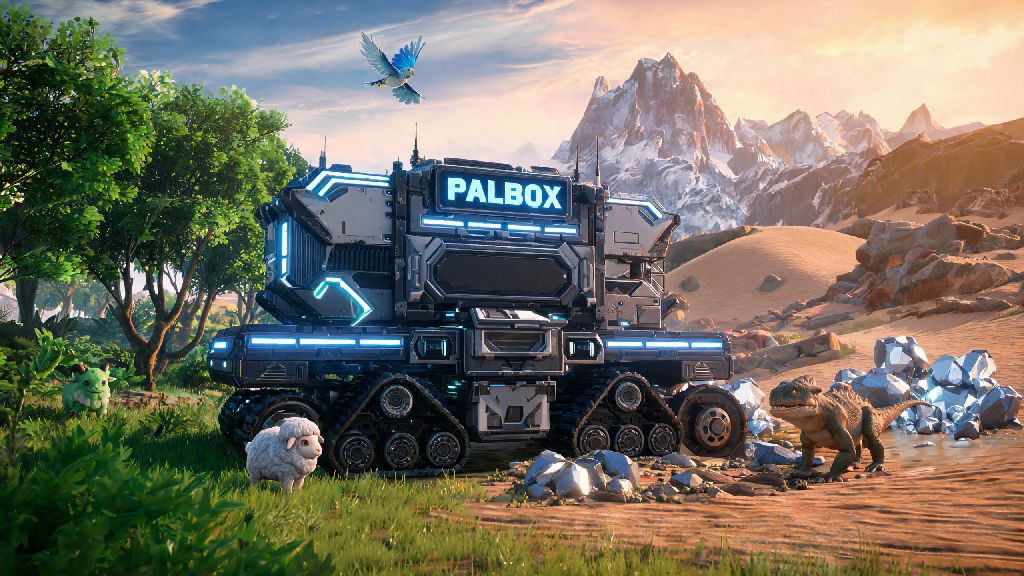
If you’ve ever set up your first Palworld base right next to the starter spawn point only to realize you’re miles away from the best ore deposits or rare Pal spawns, you’ve probably wondered how to move Palbox in Palworld without scrapping all your hard work. A lot of new players make the mistake of tearing down their entire base to relocate, but there’s a far simpler way to shift your core base structure without losing hours of progress. We’ve tested every method across hundreds of hours of play to put together a no-nonsense guide that works for both early-game and late-game players.
What You Need Before You Learn How to Move Palbox in Palworld
Relocating your Palbox is far simpler than most players assume, but there are a few non-negotiable boxes to tick before you start to avoid costly mistakes. First, unassign all Pals from your base’s workstations, farms, and defense posts — if any Pal is still assigned to a task at your old base, the game won’t let you pick up or move the Palbox. Second, store all loose, dropped items on the ground in chests or your inventory; any items left scattered around your base perimeter will despawn once you move the Palbox, and you won’t be able to get them back. Third, make sure you have an open base slot available if you’re planning to place the Palbox in a new location without deleting your old base first. You unlock your second base slot at level 10, and additional slots as you level up through the technology tree.
You don’t need any rare resources or high-level technology to complete the move, but we recommend scouting your new location first before you pick up the Palbox. There’s nothing more frustrating than carrying your Palbox across the map only to find the spot you wanted is too steep or already occupied by an enemy base camp. We always mark 2 to 3 potential spots on our map first, then travel to each one to check for resource access and flat building space before we start the relocation process.
Step-by-Step Process to Relocate Your Palbox
The process only takes 2 to 5 minutes total, even for large late-game bases, so you don’t have to set aside an entire play session to make the shift. Start by opening your build menu and navigating to the Palbox structure you placed down originally. Hover over it, and you’ll see a prompt to either pick up the Palbox or delete the base entirely. Always choose the pick up option first if you want to keep all your existing base structures intact — deleting the base will remove every building, crafting station, and storage chest tied to that Palbox, with no way to recover them.
Once the Palbox is in your inventory, travel to the new location you’ve scouted for your base. Make sure the area is flat enough, free of aggressive wild Pals that might attack your base immediately, and close to the resources you wanted access to. Place the Palbox down in your new spot, and all your base structures will automatically re-appear around it within 30 seconds. You’ll just need to reassign your Pals to their old tasks, and you’re good to go. If you’re still confused about how to move Palbox in Palworld, you can test the process first on a secondary save file to make sure you don’t risk your main playthrough progress.
If you’re feeling burnt out after the relocation process and want to take a quick 10-minute break before you rearrange your new base layout, you can pull up a casual mobile game to unwind. Lots of players we know keep Rummy Ludo installed on their phones for quick, low-stakes matches that don’t require the same level of focus as base building in Palworld. It’s a great way to reset before you dive back into organizing your storage and setting up new crafting stations.
Best Locations to Move Your Palbox For Maximum Efficiency
The best spot for your Palbox depends entirely on your current game progression and playstyle, but there are a few universal rules you can follow to pick a spot that will serve you well for dozens of hours of play. Early-game players should prioritize locations within walking distance of both wood and stone deposits, plus a small water source for crop farming. We usually recommend the flat grassland area southwest of the starter spawn for first base relocations, as it’s free of high-level aggressive Pals and has enough space to expand your base as you level up.
Mid-game players looking to craft high-tier gear and weapons should move their Palbox near the coal fields in the northern half of the map, close enough to ore and coal deposits that you don’t have to travel 10 minutes every time you need to smelt ingots. Late-game players will want to relocate near the southern volcano area to get easy access to sulfur, Palium, and other rare endgame resources needed for legendary gear and rocket launchers. Avoid placing your Palbox too close to fast travel points because wild Pals often spawn near those areas and will attack your base constantly, forcing you to repair damaged structures every time you fast travel home.
If you play on a multiplayer server with friends, you can also place your Palbox within 100 meters of their bases to share resource access and team up to defend against raid attacks. Just make sure you leave enough space between bases so you don’t run into build limit conflicts when you expand later on.
Troubleshooting Common Palbox Relocation Issues
Even if you follow all the steps correctly, you might run into a few common glitches or issues that stop you from moving your Palbox successfully. We’ve compiled the most frequent problems and their simple fixes below:
None of these issues will cause permanent loss of your base or resources, so don’t panic if you run into one. We’ve had the structure rendering glitch happen to us at least 5 times across different playthroughs, and reloading the save has fixed it every single time. If you’re playing on a multiplayer server, ask the server admin to restart the server if the glitch persists after reloading your own game. For console players, clearing your game cache can also fix most placement and rendering issues related to base relocation.
Moving your base doesn’t have to be a stressful, time-consuming chore once you know how to move Palbox in Palworld the right way. Don’t feel stuck with a bad base location just because you set it up during your first hour of play — relocating is quick, easy, and will save you hours of travel time to key resources down the line. Take the time to scout a good location before you make the shift, and you’ll have a high-efficiency base that supports all your playstyle needs for the rest of your playthrough.